
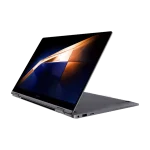
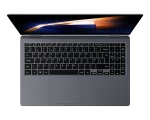
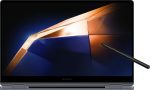
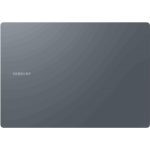

| Brand | Samsung |
|---|---|
| Condition | Brand New |
| Laptop Type | Standard |
| Processor Type | Intel® Core™ 7 Processor 150U |
| Processor Speed | Base Frequency 1.8 GHz, Turbo Frequency 5.4 GHz |
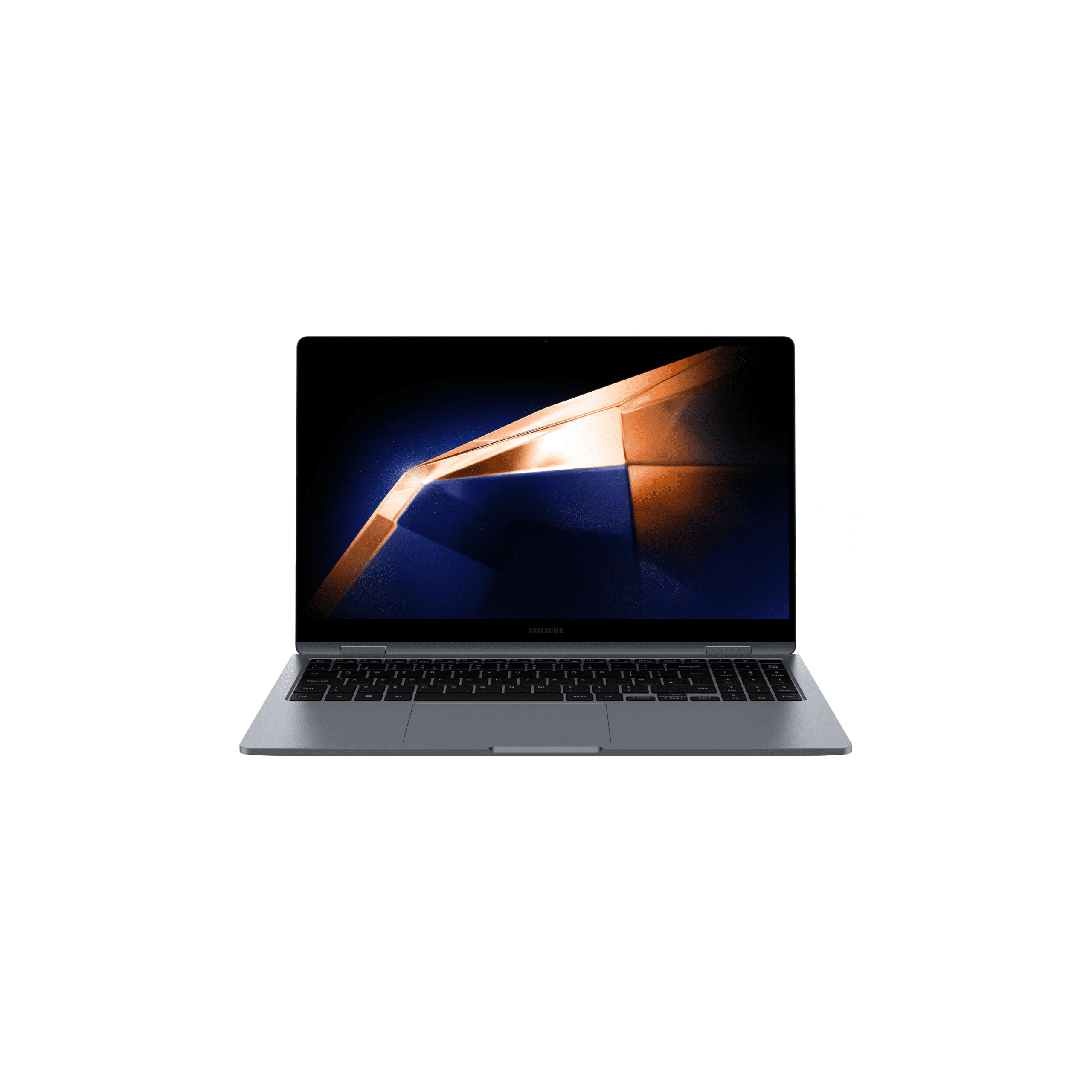
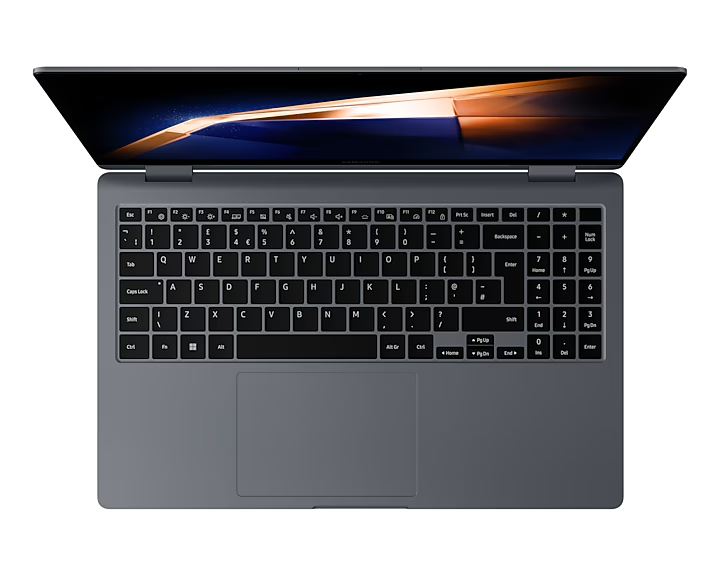
| Screen Size | 15.6″ FHD (1920×1080) Super AMOLED, touch-enabled, 60 Hz |
| RAM | 16 GB LPDDR5 |
| Hard Disk | 512GB NVMe |
| Disk Type | SSD |
| Graphics Card | Integrated Intel Graphics |
| Audio/Speaker | Stereo Speakers ( 2 W x 2 ) Dolby Atmos® Internal Dual Array Digital Mic |
| Networking | Bluetooth v5.3 Wi-Fi 6E, 802.11 ax 2×2 |
| Webcam | 1080p FHD front camera |
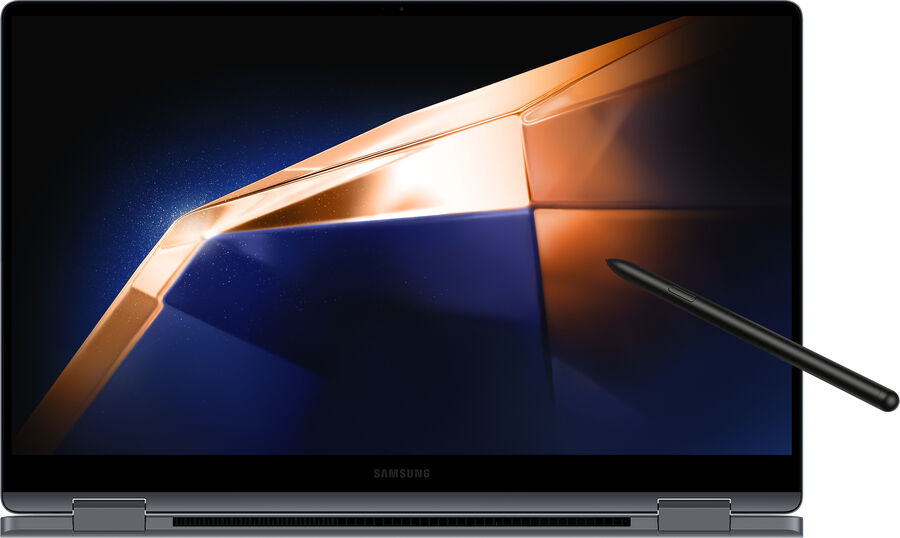
| Stylus | Supports S Pen |
| Battery | 68 Wh, 65 W USB‑C charger |
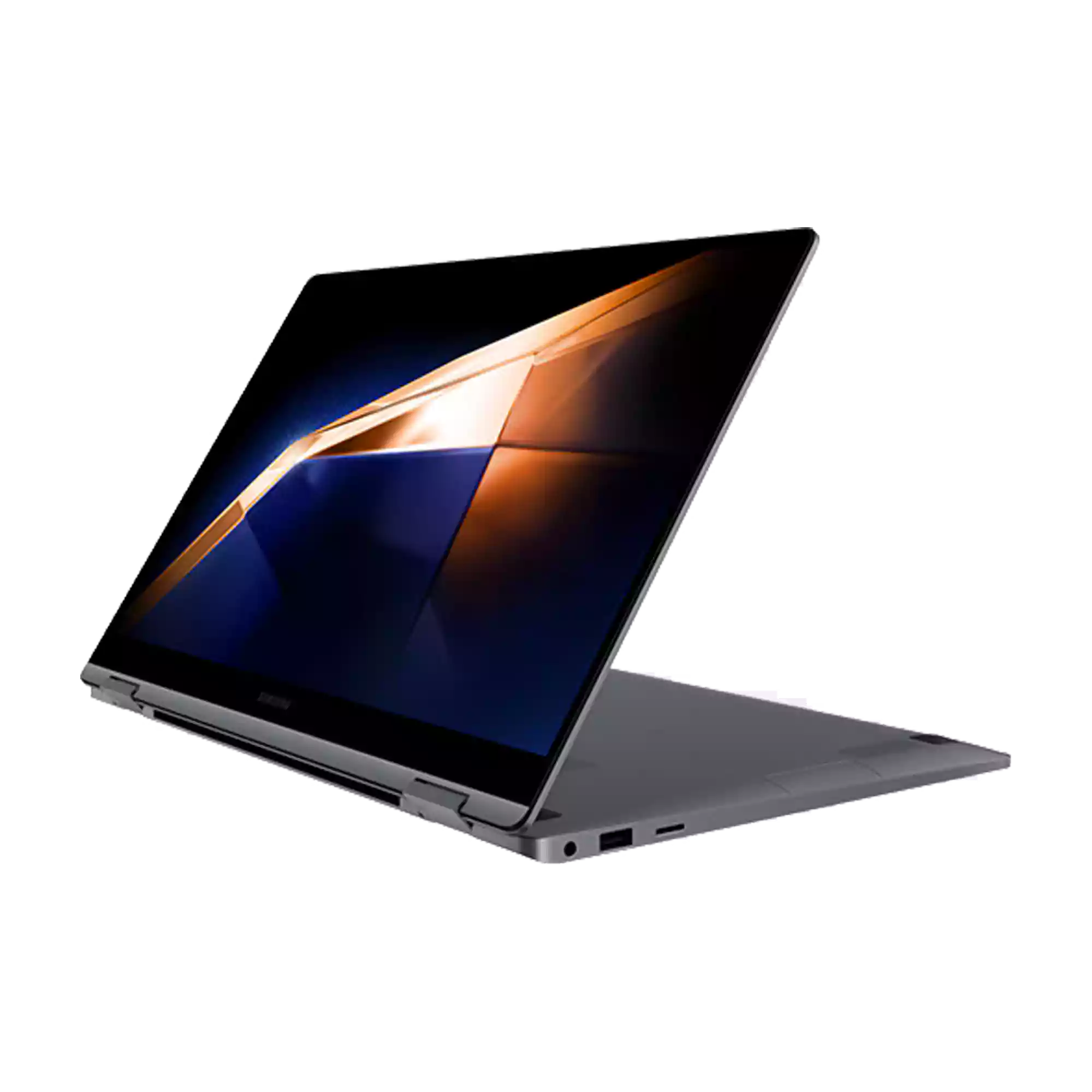
| Ports | 1 HDMI 2 Thunderbolt™ 4 1 USB3.2 MicroSD Multi-media Card Reader 1 Headphone out/Mic-in Combo |
| Product Weight (Kg) | 1.46 kg |
| Series | Galaxy Book |
Super vivid colors. Super AMOLED Display
Dive into the cinematic visuals of the 15.6″ Super AMOLED display. Rich, vivid colors and the fast response time turn your games and streams into a spectacle that keeps you on the edge of your seat. Enjoy all the fun with extra eye care thanks to reduced blue light emission.


*Screen image simulated for illustrative purposes. Actual UX/UI may vary.
**Screen size is measured diagonally as a full rectangle without accounting for the rounded corners. Actual viewable area is less due to the rounded corners.
***Blue light emission is reduced compared with conventional LCD displays.
**** The Super AMOLED display used in Galaxy Book4 360 has received the “Eye Care” certification from SGS based on its ability to drastically reduce the harmful effects of blue light. The Super AMOLED display used in Galaxy Book4 360 has received the “Gaming Performance” certification from SGS, by recording respectively 0.2ms or less and 0.0005 nits or less in response time and perfect black. More information of this certification can be found on www.sgs.com/performance.
*****Adobe product screenshots reprinted with permission from Adobe.
Key-bored? Use touchscreen
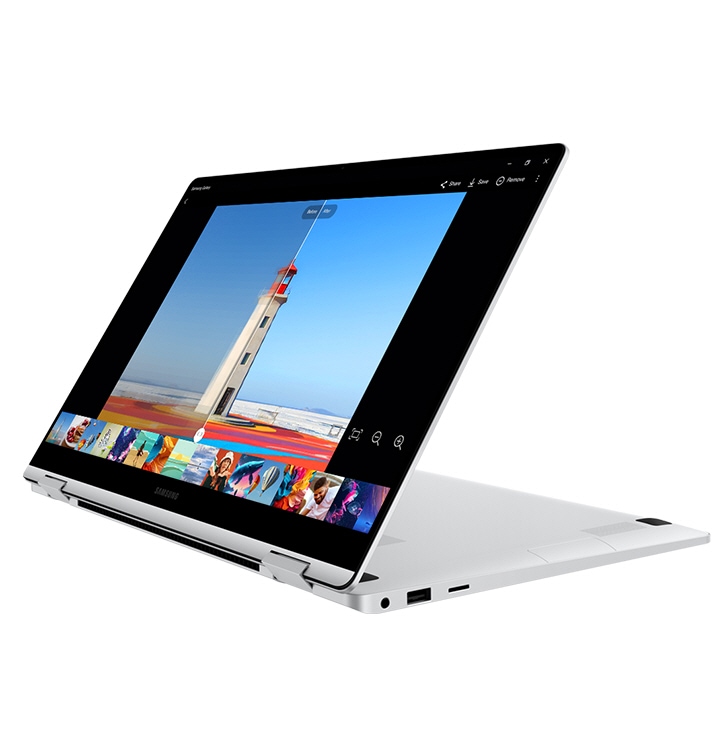
Tap your way around with intuitive multi-touch gestures on Galaxy Book4 360’s responsive touchscreen. When inspiration strikes, flip the screen and grab the S Pen to sketch, note down ideas or fine-tune your masterworks with precision.


*Screen image simulated for illustrative purposes. Actual UX/UI may vary.
**Goodnotes app requires separate download from Microsoft Store and comes with a 1-year free full version and free premium content. Once the free full version period ends, an additional purchase is required for continuous use. App availability and the terms of service may vary by country and region.
***S Pen inbox availability may vary by country or region.
Powerhouse performance on the go
The next-gen Intel® Core™ 7 processor combines with powerful Intel® graphics to deliver peak performance for both work and play. Speed through projects to stay on top of your to-dos, then engage in action-packed, fast-paced gaming when you’re ready to unwind.


*CPU and GPU specifications vary depending on country or region.
**Screen image simulated for illustrative purposes.
Ports here. There. Everywhere
Versatile built-in ports let you hook up multiple devices to your Galaxy Book4 360, hassle and dongle-free. Enjoy lightning-fast data transfers with two Thunderbolt™ 4 ports and connect easily via HDMI, USB 3.2 Type-A, microSD and 3.5pi HP/MIC.


Super compact, super fast charger
The 68Wh (typical) battery gives you enough power to keep going throughout the day. To get a quick boost, plug in the universal USB-C charger that’s light and compact and power up your Galaxy Book4 360 in a flash.


*Typical value of battery capacity tested under third-party laboratory condition. Typical value is the estimated average value considering the deviation in battery capacity among the battery samples tested under IEC 61960 standard. Rated (minimum) capacity is 67 Wh.
**Based on results from internal lab tests for local video playback time conducted by Samsung. Tested with results from a pre-release version of the device using inbox 65W charger under settings (1080p video playback from video files stored on the device’s local storage, player-videos & TV with full screen, brightness-150nits, wired earphone with default volume, airplane mode on, keyboard backlight off) without connection to Wi-Fi or mobile network, measuring the time until the device is discharged to 2%. Battery life varies significantly depending on settings, network environment, usage patterns and other factors. Actual charging speed may also vary depending on the actual usage, charging conditions and other factors.
***Battery capacity and amount of charge after a 30-minute charge vary by configuration.
****The inbox charger and data cable are USB Type-C.
Dolby Atmos.
Sound that speaks volumes
Upgrade your audio experience with the clear, deep sound of the dual-speaker system on Galaxy Book4 360. Both speakers are tuned with Dolby Atmos, delivering immersive surround sound from your favorite tracks and shows.
*The dual-speaker system on Galaxy Book4 360 features two stereo speakers.


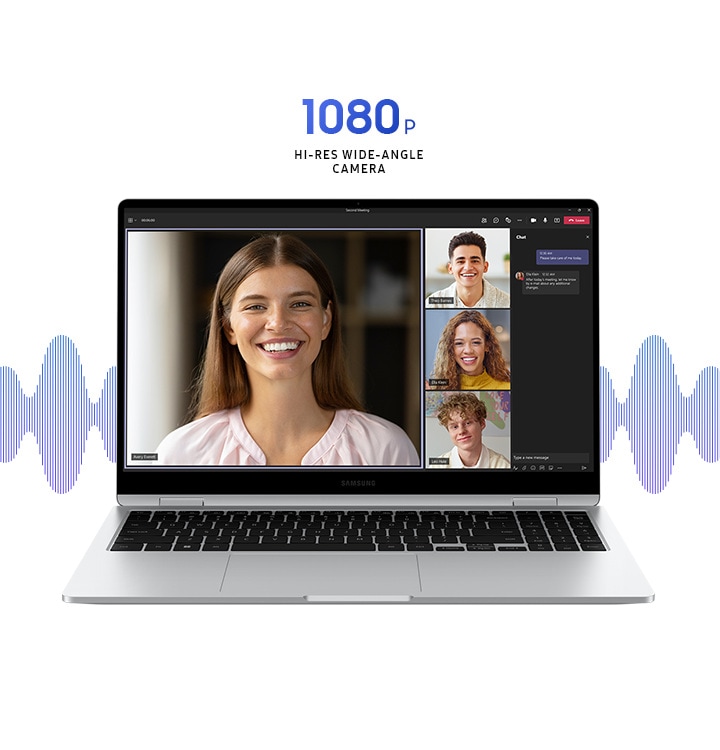
Wide-angle camera. Wise choice
Get ready to take center stage in video calls with the 1080p wide-angle webcam and high-quality mics with AI noise canceling.
*Screen simulation shows Microsoft Teams video calling with chat and polling. Microsoft Teams is licensed separately. Features and app availability may vary by region. Actual UX/UI may vary.

Samsung Galaxy Ecosystem


*S Pen inbox availability may vary by country or region.
Use your phone as a connected camera
Upgrade your video calls from standard laptop webcam to stunning clarity using your Samsung Galaxy smartphone as a connected camera. Connect seamlessly to your Galaxy Book4 360, switch between front and rear cameras to find your angle, and enjoy a high-quality picture with enhanced video effects in video applications.


*To use phone as a connected camera service, users must link their Samsung Galaxy device to their Windows PC through ‘Link to Windows’ on mobile devices and the Microsoft Phone Link App on PC and follow the set-up prompts, including being signed into the same Microsoft account. PC (Microsoft Phone Link App) requires Windows 11 24H1 or above and Phone requires OneUI 1.0 or above. Microsoft Phone Link requires Samsung Galaxy device to be on the same Wi-Fi network as the PC. Some related features may vary by device.
**Screen image simulated for illustrative purposes. Actual UX/UI may be different.
***Galaxy S24 Plus and Galaxy Book4 360 sold separately.
****Windows feature availability and rollout timing vary by country and device. Requires Microsoft account to log in.
Stay on task, stay in touch with AI assistant
Manage your tasks via quick chat prompts with Copilot’s personalized AI assistance. Plus, get smarter communication tools — access contacts and send messages effortlessly from your PC or Samsung Galaxy mobile device with a simple chat command.


*Screen image simulated for illustrative purposes. Actual UX/UI may be different.
**Galaxy S24 Ultra and Galaxy Book4 360 sold separately.
***Copilot in Windows feature availability and rollout timing may vary by country and device. Requires Microsoft account to log in.
****MMS messaging in Copilot in Windows will be supported within the first half of 2024.
Connect your phone and PC for seamless access
Get direct access to content on your phone right from your laptop with File Explorer. Simply set up the wireless connection between your devices and you’re set — search for the files and photos you need, then open them seamlessly from your PC.


*Screen image simulated for illustrative purposes. Actual UX/UI may be different.
**Galaxy S24 Ultra and Galaxy Book4 360 sold separately.
***File Explorer in Windows feature availability and rollout timing may vary by country and device. Requires Microsoft account to log in.
****Seamless access between phone and PC will be supported within the first half of 2024.
Meet your
AI photo editing ally:
Photo Remaster
The AI-powered Photo Remaster tool lets you breathe new life into old photos and low-quality images. Using a smart algorithm, the feature allows you to clean up blurry photos, as well as remove unwanted light and shade from your snaps with just a tap.
*Screen images simulated for illustrative purposes. Actual UX/UI may vary.

Samsung Studio. Create and edit seamlessly
Create and edit your next masterpiece across devices with Samsung Studio. Shoot a video and start cutting on one of your Samsung Galaxy mobile devices, then export easily via Quick Share to add final touches with precision on the big screen of Galaxy Book4 360.


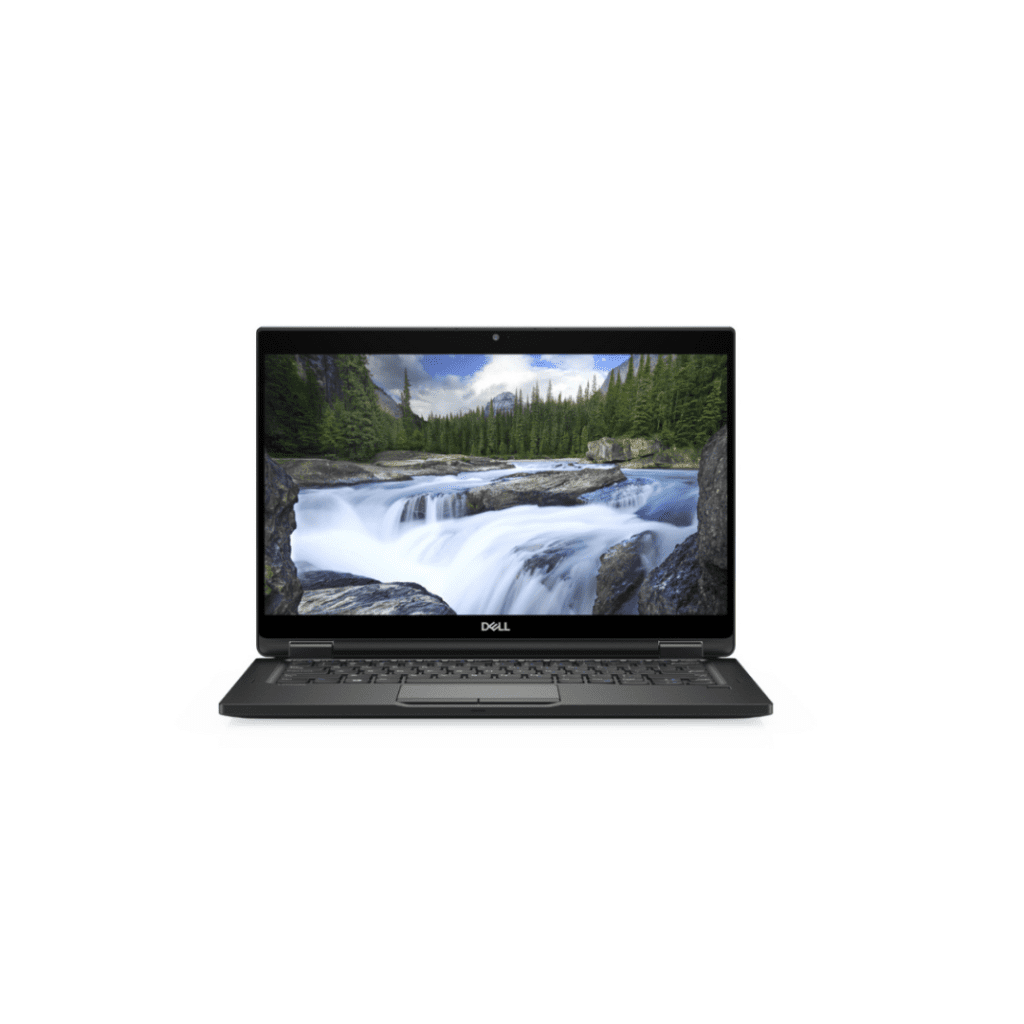
Dell Latitude 7389 | 2-in-1 | Core i5 7th Gen | 8GB Ram 256gb SSD | 13.3″ Touch Display Laptop
Out of stock
Original price was: 33,000.00৳ .25,500.00৳ Current price is: 25,500.00৳ . APPLE
APPLE HP
HP LENOVO
 ASUS
ASUS DELL
DELL ACER
ACER MICROSOFT SURFACE

Reviews
Clear filtersThere are no reviews yet.