
Blog
MacBook Pro M6 Review: Specs, Performance & Is It Worth Buying?
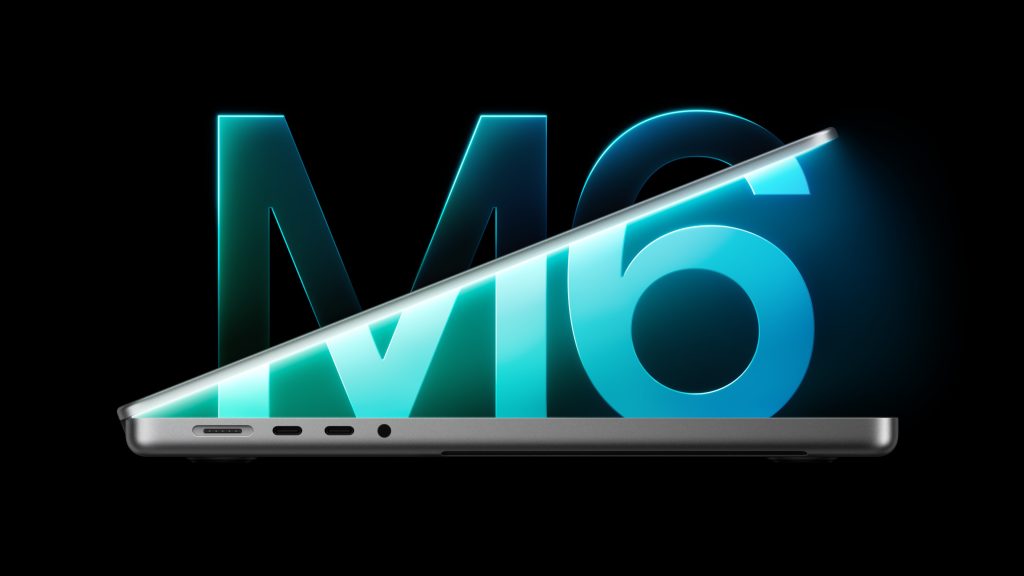
MacBook Pro M6 Review: Specs, Performance & Is It Worth Buying?
A closer look at Apple’s 14-inch MacBook Pro with M6 — from its 12-core CPU and GPU to on-device AI, Liquid Retina XDR display and up to 24 hours of battery life.
Meet the 14-inch MacBook Pro with M6
The MacBook Pro M6 Review starts with one important change: Apple has introduced the Apple M6 chip with more CPU and GPU cores, faster graphics, and expanded on-device AI capabilities. The new 14-inch MacBook Pro is aimed at people who need more than everyday laptop performance — including developers, creative professionals, business users and students working with demanding applications.
Beyond the Apple M6 chip, Apple highlights Wi-Fi 7, Bluetooth 6, a XDR display, a 12MP Center Stage camera and battery life of up to 24 hours. Those features make the new model worth examining, especially for people upgrading from an older Intel-based Mac or an earlier Apple silicon MacBook.
In this guide, we break down the announced specifications, explain what the performance claims mean in practical terms, compare the M6 with the previous M5 generation and outline who may benefit most from the upgrade.
Looking for the current model? IT STORE lists the 14-inch M6 MacBook Pro (2026) in its MacBook collection. Open the collection to view the listing, product image, configuration and current availability.
MacBook Pro M6 at a Glance
The new 14-inch MacBook Pro combines Apple’s M6 silicon with professional display, connectivity and audio features. Here are four of the headline details.
What stands out? The biggest generational story is the M6 chip: Apple says it adds two CPU cores and two GPU cores compared with the previous generation, while improving graphics and supported AI workloads.
Apple MacBook Pro M6 Specifications
Use this specification overview as a quick reference. Configuration options and availability can vary by market and retailer.
| Model | 14-inch MacBook Pro with M6 |
| Chip | Apple M6 |
| CPU | 12-core CPU |
| GPU | 12-core GPU with Neural Accelerators |
| Neural Engine | Dual 16-core Neural Engine |
| Unified memory | 16GB standard; configurable up to 32GB |
| Memory bandwidth | Up to 170GB/s |
| Display | Liquid Retina XDR display; nano-texture option available |
| Peak HDR brightness | Up to 1,600 nits |
| Contrast ratio | 1,000,000:1 |
| Wireless | Wi-Fi 7 and Bluetooth 6 |
| Camera | 12MP Center Stage with Desk View |
| Audio | Six-speaker sound system with Spatial Audio; three-mic array |
| Ports | Three Thunderbolt 4 ports, HDMI, MagSafe 3, SDXC card slot and 3.5mm headphone jack |
| External displays | Support for up to two external displays |
| Battery life | Up to 24 hours, according to Apple |
| Colours | Space Black and Silver |
| Starting price announced by Apple | US$1,999 in the United States |
The table reflects details stated in Apple’s October 27, 2026 announcement. The press release does not provide every possible configuration detail, so check the exact configuration before purchasing.
Apple M6 Chip: More CPU and GPU Power
The M6 chip is the centrepiece of this MacBook Pro generation. It features a 12-core CPU and a 12-core GPU — each with two more cores than the previous generation described in Apple’s announcement.
12-core processor
Supports code compilation, multitasking and professional apps. Apps that use multiple cores can take better advantage of the processor.
12-core graphics
Handles graphics-heavy tasks such as 3D rendering, visual effects and photo editing. It supports third-generation ray tracing and Dynamic Caching.
Apple also reports up to 25% faster performance for on-device AI workloads compared with M5. For users who regularly work with demanding creative software or compatible AI tools, these improvements could make the M6 a meaningful upgrade over older hardware.
It is important to remember that a manufacturer’s performance percentage is not a guarantee that every app will feel that much faster. Results vary according to the type of task, software optimisation, memory configuration and other system conditions.
AI Capabilities and the Dual 16-Core Neural Engine
Apple is placing a strong emphasis on AI with the M6. The chip includes a Dual 16-core Neural Engine, while Neural Accelerators are also built into each GPU core. Apple says this combination is designed to speed up supported AI tasks, including image generation, Super Resolution, AI upscaling and large language model processing.
Why on-device AI matters: Compatible tasks can be processed locally on the Mac rather than sending every operation to a remote server. Depending on the feature, this can support responsiveness and help keep more processing on the device.
The new MacBook Pro also works with Apple’s macOS 27 experience and supported Apple Intelligence features. Apple describes features such as a more capable Siri experience, writing assistance, intelligent tools across apps and new ways to work with information.
AI feature availability can depend on the device language, region, software version and the specific feature. Some capabilities may be offered in beta or have usage limitations. Check Apple’s current support information for availability in Bangladesh before relying on a particular feature.
For developers, researchers and creators who use compatible AI applications, the M6’s GPU accelerators and Neural Engine make this generation particularly interesting. However, users should check the memory requirements of their own AI software before choosing a configuration.
Liquid Retina XDR Display for Creative Work
The 14-inch M6 MacBook Pro features Apple’s Liquid Retina XDR display. Apple lists peak HDR brightness of up to 1,600 nits and a contrast ratio of 1,000,000:1, specifications intended to deliver bright highlights and deep blacks in supported HDR content.
Up to 1,600 nits peak brightness
Supported HDR content can show brighter highlights while retaining detail in darker areas.
1,000,000:1 contrast ratio
The stated contrast ratio helps the display show deep blacks and clear separation between bright and dark areas.
Apple also offers an optional nano-texture display finish designed to reduce reflections and glare in challenging lighting conditions. This may be useful for people who work in bright offices, studios or other environments where reflections can be distracting.
For photo editing, video work and design, display quality is a major part of the laptop experience. The Liquid Retina XDR panel is one of the key reasons the MacBook Pro remains positioned as a professional machine rather than a basic everyday notebook.
Up to 24 Hours of Battery Life
Battery life is one of Apple’s headline claims for the new M6 MacBook Pro. Apple advertises up to 24 hours of battery life and describes this as the longest battery life ever in a Mac.
Apple says the M6 model offers up to four additional hours for users upgrading from M1 and up to 14 additional hours for users upgrading from Intel-based systems. These are Apple’s comparisons, not a promise that every owner will see the same improvement.
Fast charging
With a compatible higher-wattage USB-C power adapter, such as Apple’s 96W adapter, the M6 MacBook Pro can reach up to 50% charge in approximately 30 minutes, according to Apple. The required adapter and charging conditions matter, so check what is included with the exact retail configuration.
Wi-Fi 7, Ports, Camera and Audio
Updated wireless connectivity
The MacBook Pro M6 adds Wi-Fi 7 and Bluetooth 6. These standards are designed for modern wireless environments, although the full benefit depends on compatible routers, accessories and local network conditions.
Ports for a professional setup
Apple lists three Thunderbolt 4 ports, HDMI, MagSafe 3, an SDXC card slot and a 3.5mm headphone jack. The laptop also supports up to two external displays. This selection can make it easier to connect monitors, storage, cameras and other work accessories.
Camera and sound
A 12MP Center Stage camera with Desk View is included for video calls and supported camera experiences. Apple also lists a three-mic array and a six-speaker sound system with Spatial Audio. Together, these features make the laptop suitable for meetings, media and creative work as well as traditional productivity.
MacBook Pro M6 vs M5: What Has Changed?
For many buyers, the key question is whether the M6 offers enough improvement over M5 to justify an upgrade. Apple’s announcement highlights a larger CPU and GPU core count, faster graphics and improved on-device AI performance.
| Area | M6 MacBook Pro | Previous M5 generation |
|---|---|---|
| CPU core count | 12-core CPU | 10-core CPU in Apple’s comparison system |
| GPU core count | 12-core GPU | 10-core GPU in Apple’s comparison system |
| Graphics performance | Up to 30% faster | Baseline for Apple’s comparison |
| On-device AI workloads | Up to 25% faster | Baseline for Apple’s comparison |
| Neural Engine | Dual 16-core; Apple says up to 1.9x faster | Previous generation |
Apple’s M5 comparison system used a 10-core CPU, 10-core GPU, 32GB unified memory and 4TB SSD. Apple’s test results are based on selected workloads; they should not be treated as a guarantee for every app or configuration.
Should M5 owners upgrade?
If you already use an M5 MacBook Pro for everyday productivity, browsing and common office applications, the new model may not be an essential upgrade. The M6 is more compelling for people who can benefit from its additional CPU and GPU cores, faster AI processing or newer connectivity.
For people moving from an M1 or Intel-based Mac, the potential performance and battery-life gains described by Apple are more substantial. The right decision still depends on your existing device, workload and budget.
Who Should Consider the MacBook Pro M6?
Developers
The 12-core CPU, unified memory options and AI acceleration may suit software development, code compilation and compatible local AI workflows.
Creative professionals
The GPU, ray-tracing features and XDR display may benefit supported video, photo, design and 3D applications.
Business users
Long claimed battery life, a strong port selection and a high-performance chip can support demanding multitasking and professional work.
Students and researchers
It may be suitable for students with demanding workloads such as programming, media production, technical research and data-heavy applications.
Reasons to consider it
- New 12-core CPU and 12-core GPU
- Improved graphics and AI performance claims
- XDR display
- Up to 24 hours of claimed battery life
- Wi-Fi 7, Bluetooth 6 and useful built-in ports
Things to consider
- Premium pricing may not suit every budget
- Some AI features depend on language and region
- Actual battery life depends on workload
- M5 owners may not need to upgrade immediately
- Choose memory and storage based on your real workload
Considering a lighter Mac instead? Compare the MacBook Air M5 16GB/512GB or the MacBook Air M4 on IT STORE. These Air models are designed around portability and everyday productivity rather than the same Pro-focused workload profile.
M6 MacBook Pro Price and Availability
Apple announced a starting price of US$1,999 for the 14-inch MacBook Pro with M6 in the United States. Apple stated that pre-orders would begin on October 28, 2026, with availability starting November 6, 2026 in the markets covered by its announcement.
United States pricing · Before taxes and local-market differences
What about the price in Bangladesh? The Apple announcement does not set an official Bangladesh retail price. Local pricing can vary with configuration, import costs, exchange rates, stock and retailer policies. IT STORE currently includes the MacBook Pro M6 14-inch (2026) 12-core CPU / 12-core GPU, 16GB / 1TB configuration in its MacBook collection. Check that live listing or contact IT STORE for the latest local price, exact configuration and availability before ordering.
Similar MacBooks at IT STORE
If you are comparing the M6 with other Apple laptops, these related models are listed on IT STORE. Product configurations, prices and stock can change, so open each product page for the latest details before deciding.
MacBook Pro M6 14-inch (2026)
12-core CPU, 12-core GPU, 16GB unified memory and 1TB SSD as shown in the IT STORE collection listing.
View M6 listing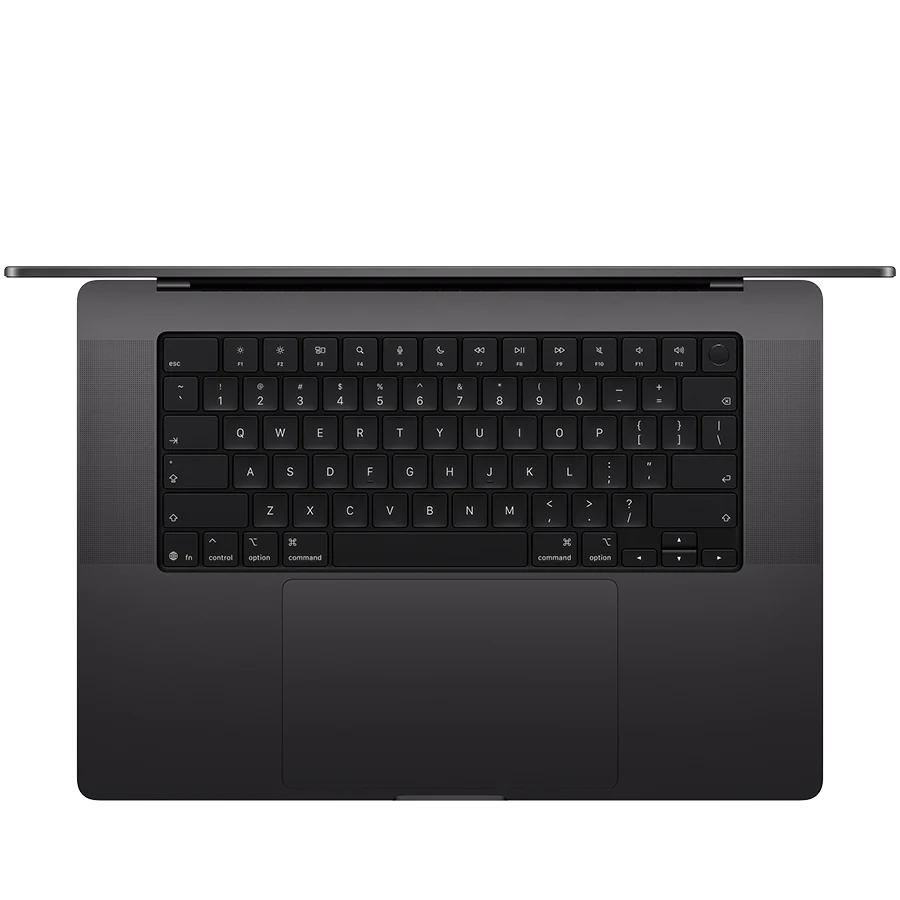
MacBook Pro M5 Max 16-inch · 36GB / 2TB
A larger-screen high-performance configuration for readers comparing professional MacBook options. The product page showed out-of-stock status when checked; recheck availability.
View product details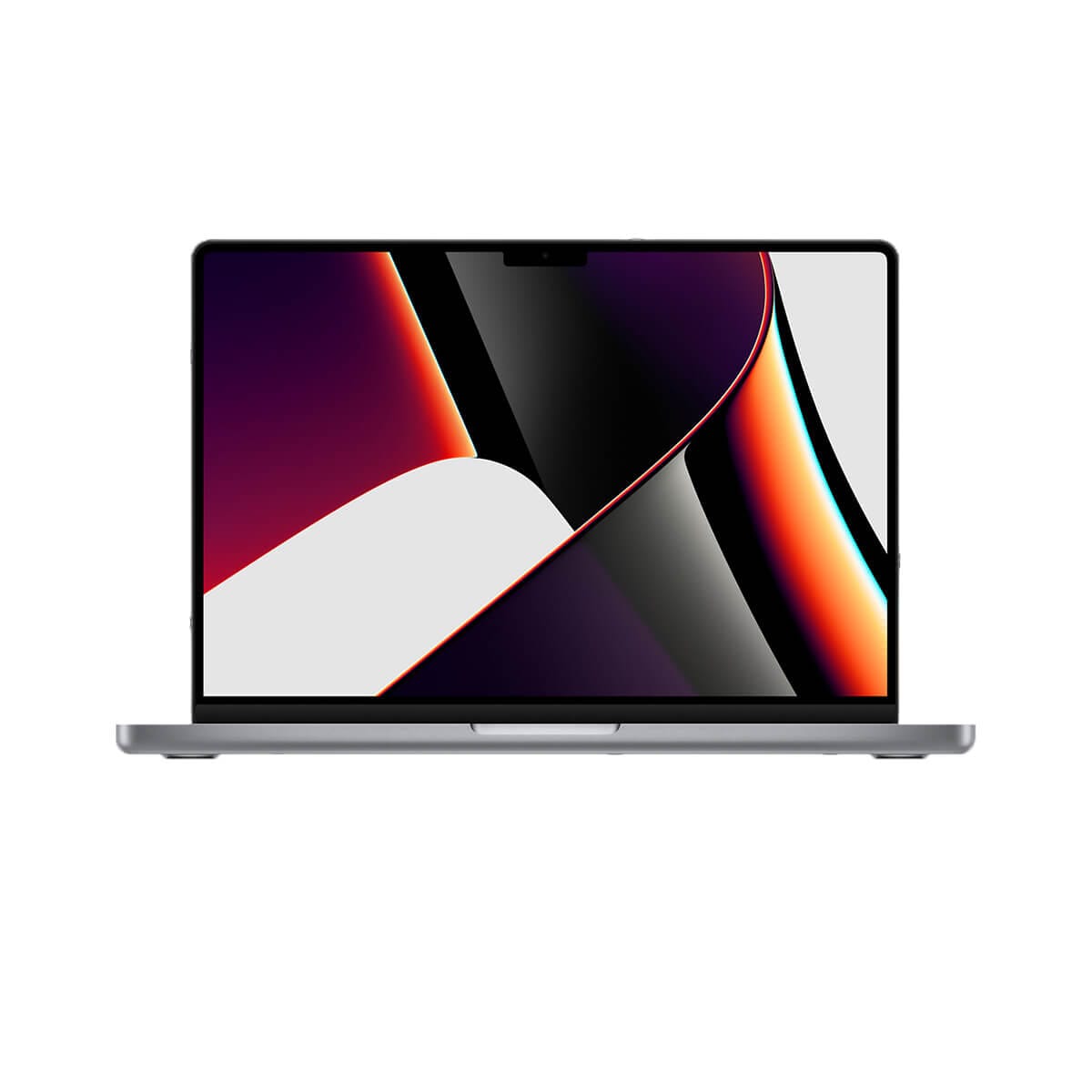
MacBook Pro M1 Max 16-inch (2021)
A previous-generation Pro option. Check the selected unit’s RAM, GPU-core count and storage directly on the product page before buying.
View product details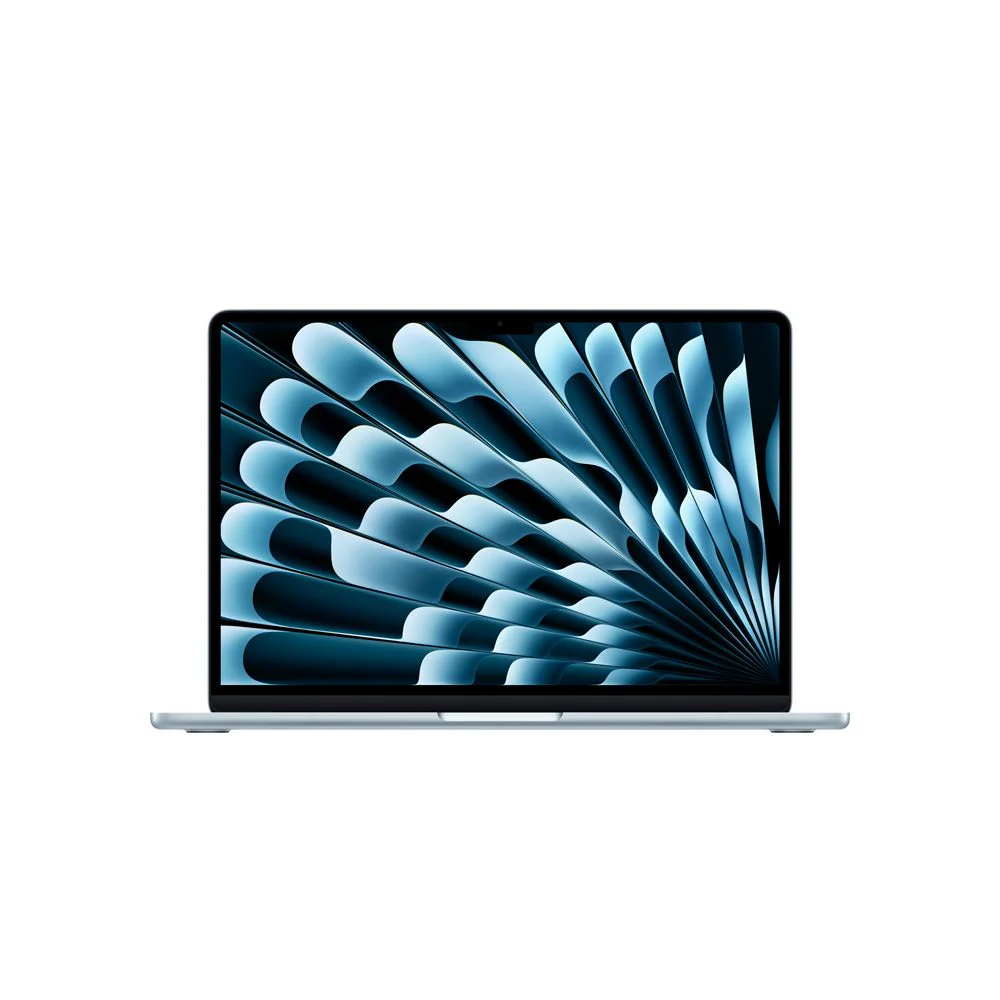
MacBook Air M5 · 13-inch · 16GB / 512GB
A lighter MacBook option for portability, study and everyday productivity. Check the live page for current price and configuration.
View product details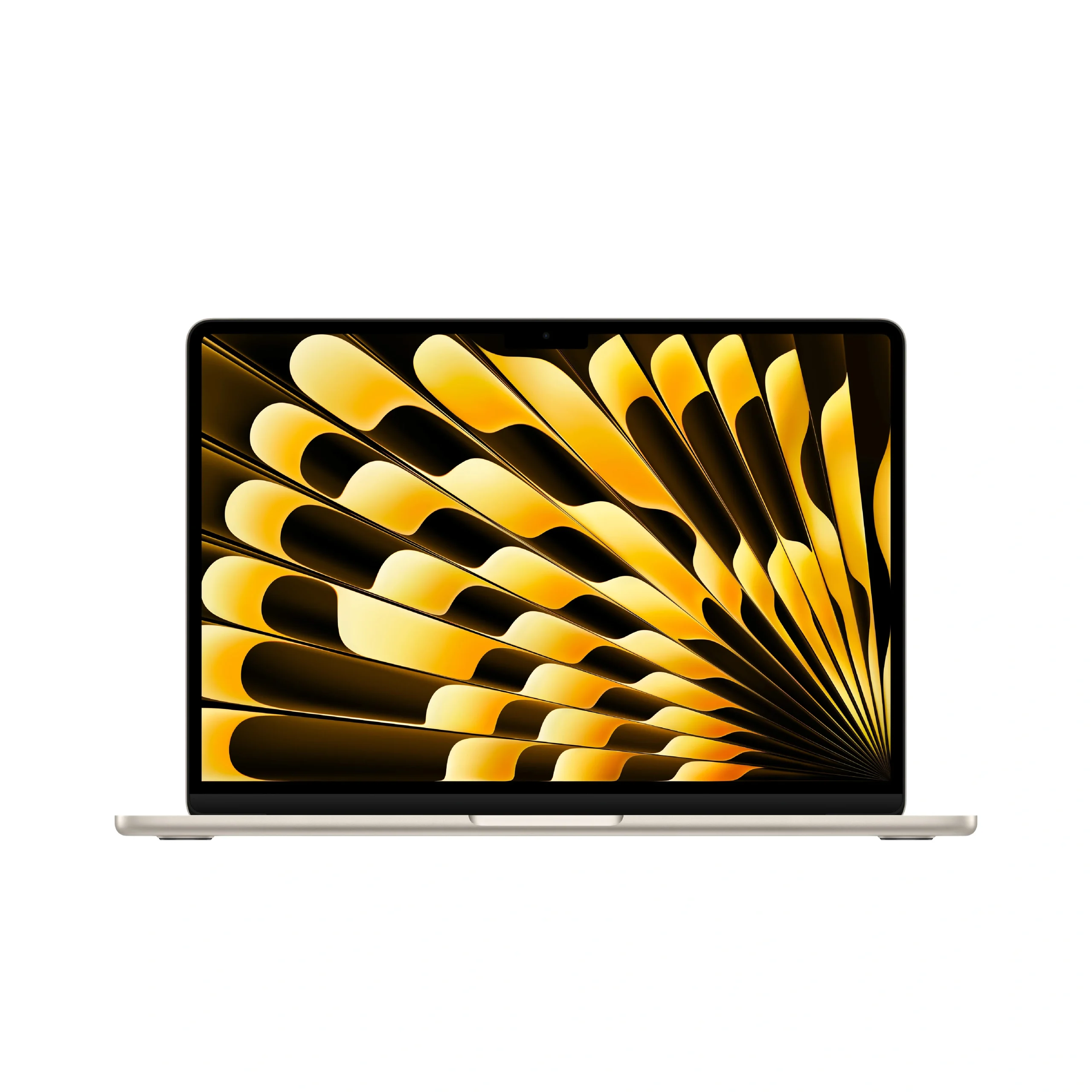
MacBook Air M4 · 13-inch
A compact everyday MacBook alternative. Multiple memory and storage variants may be offered; confirm the selected option on the product page.
View product details
Apple MacBook Collection
See the current MacBook range and compare the models and configurations listed by IT STORE.
Explore MacBooksIs the M6 MacBook Pro Worth Buying?
The 14-inch MacBook Pro with M6 looks like a meaningful performance update for people who need a powerful portable Mac. Its 12-core CPU, 12-core GPU, Dual 16-core Neural Engine, Liquid Retina XDR display, updated wireless connectivity and up to 24 hours of claimed battery life make it a strong option on paper.
The biggest reasons to consider the M6 are its expanded processing and graphics capability, improved support for on-device AI workloads, and long battery-life claim. Developers, creators and professionals moving from older Intel or M1 systems may find the upgrade particularly interesting.
However, M5 owners should compare the benefits with the cost of upgrading, and all buyers should choose a memory and storage configuration that matches their actual needs. Since this article is based on Apple’s announcement rather than IT STORE’s independent testing, readers should also consult hands-on reviews and real-world benchmarks before making a final purchase decision.
A powerful Mac for demanding workflows
The M6 MacBook Pro is worth considering if you need the latest Apple silicon features and professional capabilities. Compare available configurations, check local pricing and choose the model that fits your work.
M6 MacBook Pro: FAQs
What chip does the new M6 MacBook Pro use?
The 14-inch MacBook Pro uses the Apple M6 chip, featuring a 12-core CPU, 12-core GPU and Dual 16-core Neural Engine.
How much faster is the M6 GPU than the M5?
Apple claims up to 30% faster graphics performance compared with M5. Actual results depend on the application and workload.
How much unified memory does the M6 MacBook Pro support?
Apple lists 16GB of unified memory as standard, configurable up to 32GB. Check the exact configuration available from the retailer.
How long does the M6 MacBook Pro battery last?
Apple advertises up to 24 hours of battery life. Actual battery life varies with settings, applications, workload, network activity and configuration.
Is the M6 MacBook Pro suitable for video editing?
The 12-core GPU, M6 chip and XDR display make it a capable platform for supported creative applications. Project complexity, software optimisation and memory configuration will affect the experience.
Does the M6 MacBook Pro support Wi-Fi 7?
Yes. Apple’s announcement lists Wi-Fi 7 and Bluetooth 6. To benefit from newer wireless standards, compatible routers and accessories are also required.
What is the MacBook Pro M6 price in Bangladesh?
Apple announced a US starting price of US$1,999. The announcement does not specify an official Bangladesh retail price. Contact IT STORE or check its current listing for local pricing and stock.
Should I upgrade from an M5 MacBook Pro to M6?
Not every M5 owner needs to upgrade. Consider the M6 if your work benefits from the additional CPU and GPU cores, improved AI performance or updated connectivity. Compare the cost with the real benefits for your workflow.
Official source and further reading
Product details and Apple performance claims in this article are based primarily on Apple’s announcement. Read the source for full testing notes, configuration information and regional availability.
- Apple Newsroom: Apple introduces the new 14-inch MacBook Pro with M6
- Apple MacBook Pro official product page
IT STORE is an independent retailer and editorial publisher. This article is not sponsored by or affiliated with Apple. Apple, MacBook Pro and other Apple marks are trademarks of Apple Inc. Product availability and specifications may vary by market.


Leave a Comment